Set the Book Foundation
Build the visual foundation with project structure, manuscript context, and style references that keep the artwork workflow anchored.


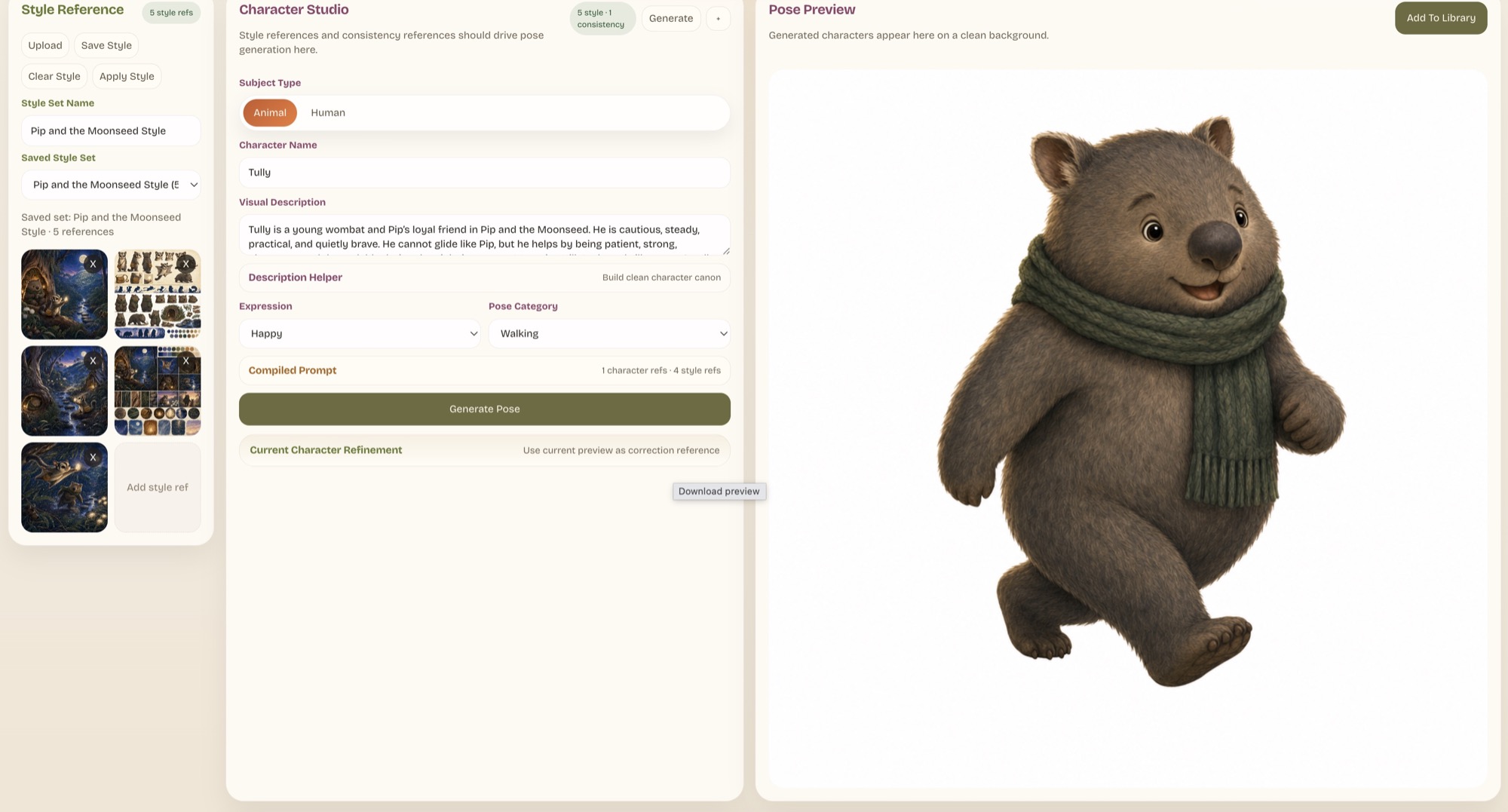
Whitehand Publishing · Limnforge
Limnforge is AI illustration software for Mac and Windows, helping picture-book, comic book, and graphic novel creators build artwork with your own characters, art style, and visual language across an entire project.
Desktop control
Limnforge is a desktop illustration and publishing studio for creating book artwork with continuity. Choose a style, define your cast, generate poses and scenes, place story text, and carry the same look across pages, chapters, covers, and series work.
If you already have original artwork, Limnforge can help you replicate that look at scale and amplify your workflow. If you are still discovering the look of your story, Limnforge helps you build original art styles, character illustrations, and story-world visuals from scratch.
Create characters and build a world for them in a style that is your own. Add story text to pages and spreads with control over font, size, colour, placement, alignment, straight text, speech bubbles, and narration boxes, with interactive guidance when text drifts near bleed, fold, or gutter risk areas.
When an illustration is close but not quite right, refine the current image or preserve continuity from a previous scene while changing characters, props, composition details, or page-specific needs.
From concept to complete publish-ready files, Limnforge gives creators a practical platform for producing picture books, comic books, graphic novels, covers, and eBook files quickly and cost-effectively.
The name is pronounced LIM-forge. "Limn" is an old word for drawing or painting in fine detail; "forge" is the act of making with heat, craft, and intent. Together, Limnforge means detailed illustration, made deliberately.
Version 1.0 uses your own OpenAI API account for image generation. Your API key is saved locally on your computer and is not included in project folders or export packages. Future versions are expected to support additional image-generation models through their own APIs.
Character Studio
Build a durable character library, then generate reference poses.
Comic-book workflow
Plan panels, direct scenes, manage a cast, add lettering, and build a complete comic page by page.
Workflow
Build the visual foundation with project structure, manuscript context, and style references that keep the artwork workflow anchored.
Create original characters, poses, and scene continuity from style references and character records, so the book feels like one coherent world.
Prepare publish-ready print and eBook files locally, including bleeds, single pages, double-page spreads, and formatted cover files for Amazon KDP workflows.
Built differently
Define the visual rules, reference anchors, mood, rendering intensity, lighting, motifs, and recurring details that hold the whole book together.
Develop the locations, props, recurring details, and visual rules that make a story world feel rich, recognisable, and ready to revisit.
Use Limnforge's style preset system to begin with structured visual directions, then adapt the look until it belongs to your book.
Build multiple character libraries for primary, secondary, and supporting characters, with reusable references and identity poses for a consistent cast.
Limnforge's unique internal Source System builds coherent prompts from style rules, character records, spread instructions, exclusions, and production context before they reach the Image Engine.
Choose from guided work orders that assemble the right project context into copy-ready briefs, helping your AI assistant create useful field input for Limnforge.
Refine a current illustration or use a previous spread as a continuity anchor when the next image needs to match the story world.
Bring your front, spine, and back cover together as a complete production file that carries the book's visual language from first impression to final export.
Place titles, narration, captions, page text, and speech bubbles with the font, size, colour, placement, alignment, and treatment your book needs.
Prepare single pages, double-page spreads, cover files, and eBook formats, with bleed and gutter guidance. Check final files against your printer’s current specifications before submission.
Co-Pilot Work Orders
Choose a guided work order for your story, style, character, scene, cover, continuity, or lettering task. Limnforge assembles the relevant project context into a focused, copy-ready brief.
Select the creative task you need next from thirteen guided work orders.
See the copy-ready brief and the relevant context already saved in your project.
Copy it, then use it with the AI assistant of your choice to create ideal field input for Limnforge.
Your project stays in your hands. Co-Pilot prepares the work order locally. It does not send your project data anywhere; you decide if and where to paste the copied brief.
Made with Limnforge
See examples of how Limnforge supports the different visual languages of picture books and comics—from a warm, character-led double spread to sequential panel storytelling, lettering, and atmosphere.
Picture book
A finished picture-book world with expressive characters, a consistent illustrated style, story text, and cinematic double-page spreads.
Comic book
A complete comic-book world that uses panel composition, recurring character and location detail, narration, dialogue, and moody sequential storytelling.
Picture book
A gentle watercolour picture-book world where a young fox discovers that the village's bright paper flowers only blossom for stories told honestly.
Rhyming picture book
A humorous rhyming picture book about a royal banquet that takes an unexpectedly noisy turn, with expressive characters, richly illustrated settings and comic timing across paired story pages.
Built for
Pricing
US$299 US$199 launch price
An internet connection is required for the first 14 days after your licence is issued. After an online check confirms eligibility, you can use Limnforge offline for up to 72 hours from your last successful licence check. Licence checks run at launch and every 30 minutes while the app is running.
After purchase, your Limnforge licence email provides your licence key, installer link and activation instructions.
Manage or cancel future renewals through FastSpring.
Payments are processed securely by FastSpring, our merchant of record. Prices are in US dollars; your local-currency total and applicable taxes are shown at checkout. 14-day money-back guarantee, see our Refund Policy.
Guide pack
OpenAI setup
FAQ
No. Limnforge V1.0 uses your own OpenAI API account, and OpenAI billing is managed by OpenAI.
Limnforge uses your own OpenAI API account, so you control your image-generation spend. At OpenAI's current published GPT Image 2 rates, a single image output is typically measured in cents—approximately US$0.04–$0.21 for the common medium- and high-quality sizes in its cost table, before any input-image or prompt-token charges. Your total project cost depends on the size and quality selected, reference images, edits, and the number of variations you make. OpenAI can change its pricing, so always check its current rates.
Co-Pilot is Limnforge's guided work-order workspace. Choose the creative task you need next and it prepares a copy-ready brief using the relevant context already saved in your project, such as your style DNA, world rules, characters, manuscript, and page planning. Copy the work order, then paste it into the AI agent of your choice to help develop the next part of your project.
No. Co-Pilot prepares the work order locally and places it on your clipboard only when you choose Copy Work Order. You decide whether, where, and when to paste that brief into an AI service.
Yes. Your Limnforge project files, references, generated artwork, and exports live on your computer. When you choose to generate or edit an image, Limnforge sends the prompt and reference inputs needed for that request to OpenAI through your own API account. Your API key is stored locally and is not included in project folders or export packages.
No. Your API key is saved locally on your computer and is not written into project folders or export packages.
Yes. Limnforge supports picture books, comic books, and graphic novels, including full-page art, panel layouts, scene continuity, narration, dialogue, speech bubbles, Comic SFX, and print-ready exports. The Last Tram to Luna Bay in the showcase is an excerpt from a complete Limnforge comic-book project.
No. Limnforge is designed for creative control and continuity. It can help authors access illustration workflows they could not otherwise commission, and it can help illustrators amplify output, explore variations, and create more work at scale from an original visual style.
Yes—use artwork, photos, character designs, and references that you own, have licensed, or otherwise have the right to use. Limnforge is intended for original visual development, not for copying another artist's protected work, characters, brands, or recognisable style without permission. Use the workflow to build a visual language that belongs to your project.
Articles & Guides
Explore illustration techniques and learn how to get more from Limnforge.
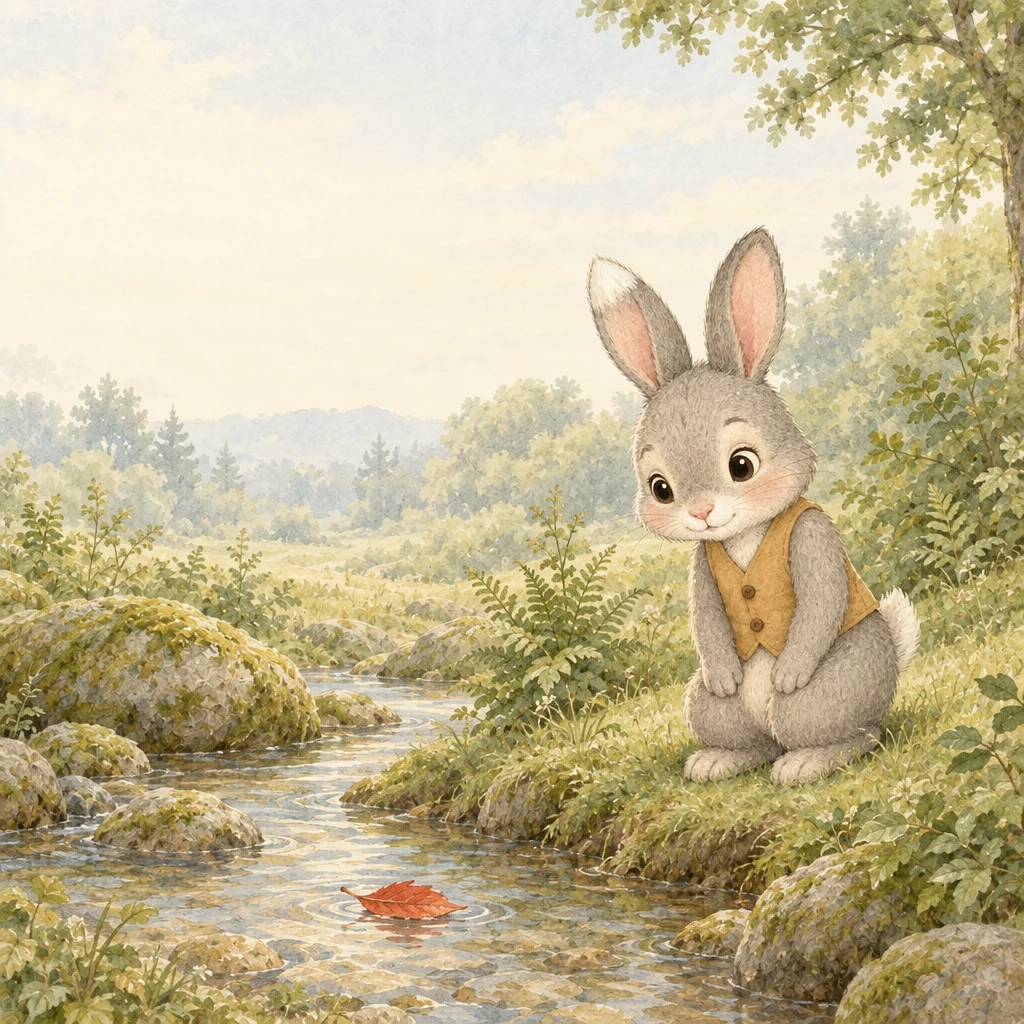
Explore character references, visual style and scene prompts through a worked illustration example.
Support
For support, include your Limnforge version, operating system, the step you were taking, and any error message shown by the app. Do not send API keys in screenshots, emails, or support tickets.